
Digital hair and fur is one area that has always instilled fear in the hearts of VFX supervisors, because in the past it was so much work to get an even slightly convincing effect, required fur specialists (called “groomers,” somewhat unfortunately. I vividly remember a conversation with an artist working on Harry Potter, who told me with a straight face that his job was to “groom all the children.”)
Whilst large VFX houses do still have grooming departments, creating 3D hair and fur is significantly easier than it used to be, especially with Blender’s latest tools - we have some content in the pipeline to create in-depth tutorials for that, so watch this space!
The Cheat Sheet
We’ve also made a software-independent cheat sheet to help you get to grips with the basics, even if you’d never opened up 3D software.
Guide Hairs, Not Millions
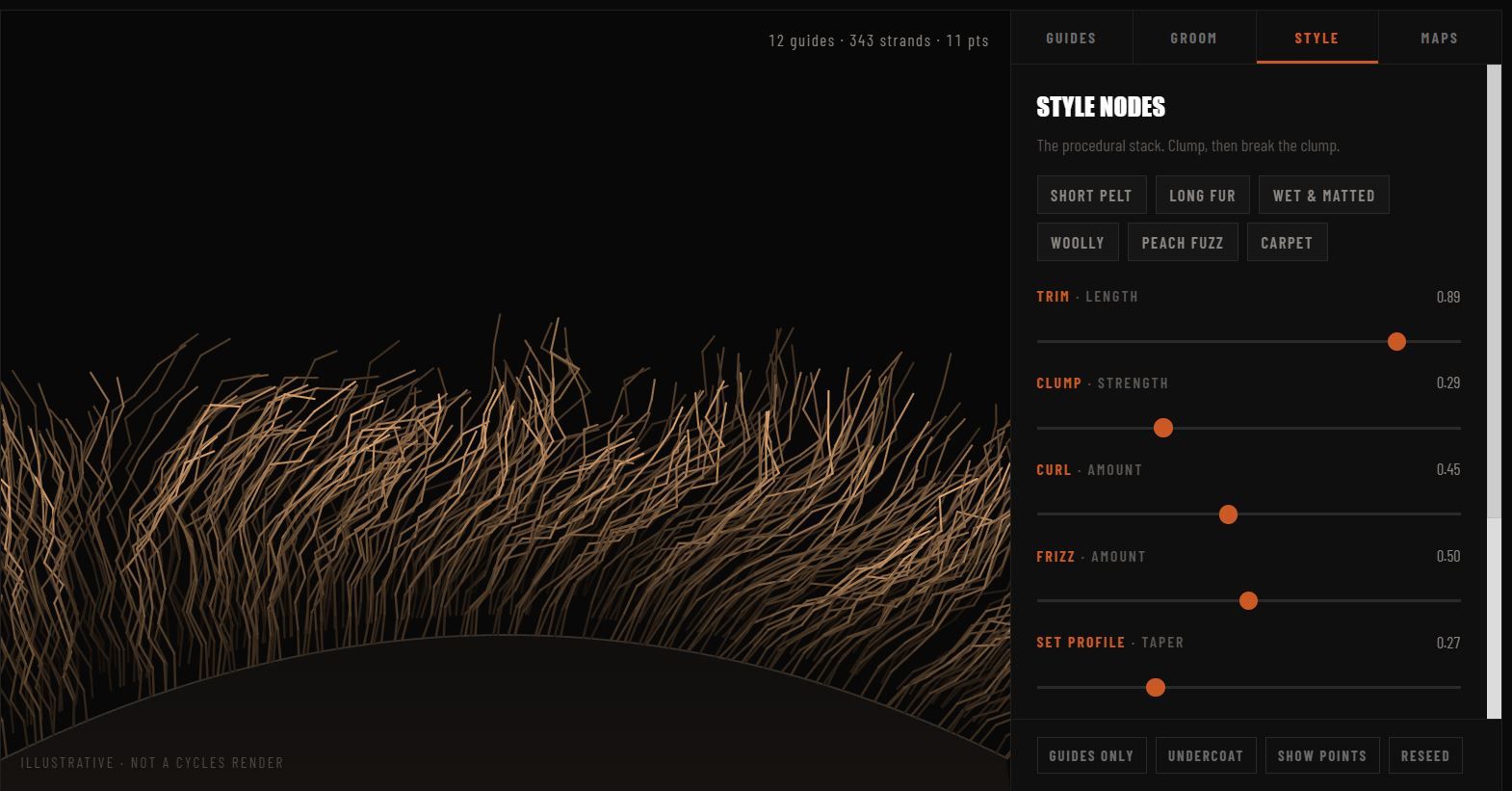
The mistake that most artists and tutorials make is jumping straight in trying to manage millions of hairs - but like all areas of film, you want to get maximum results with minimal input. The name of the game is to use a few “guide hairs” to allow you to control the thousands or millions of hairs you’ll need in a fast and intuitive way.
See It In Action
Our team has created countless furry critters for Disney, Netflix, Paramount and others. If you haven’t seen it already, check out our showreel to see some in action!
What's Inside
- Play with it
- Guides
- Groom
- Style
- Maps
- Lighting and Shading