
Behind the scenes on Tangerine, shot on an iPhone
Anyone can make a film on a phone or a tablet is what they tell us! Tangerine! Unsane! High Flying Bird!
I agree that we can and should create films on phones and tablets, but just like we see with AI hype, the story and reality are generally way out of alignment.
There are potentially massive upsides to filming on a phone. For guerilla film making (that’s the extreme indie approach of getting in and out of a place and “stealing” the footage, rather than having a crew and permits), it’s amazing. You can go out and film anywhere where anyone is allowed to film on a phone, and you won’t stand out because someone filming on a phone isn’t surprising to anyone.
Even for a less guerilla approach, having a device that is small and very mobile in tight spaces is clearly going to be useful in certain locations.
In 28 Years Later, phones were used for filming for exactly that reason - they even 3D printed a rig to attach 20 iphones to, in order to do a cheap (relative to actual cinema cameras), outdoor-feasible version of The Matrix’s bullet time effect. Here’s the thing though - if you look at the end result, it’s nothing like The Matrix. It’s its own thing. Some people liked it, others didn’t, but the only way you’re getting that effect is with that rig.
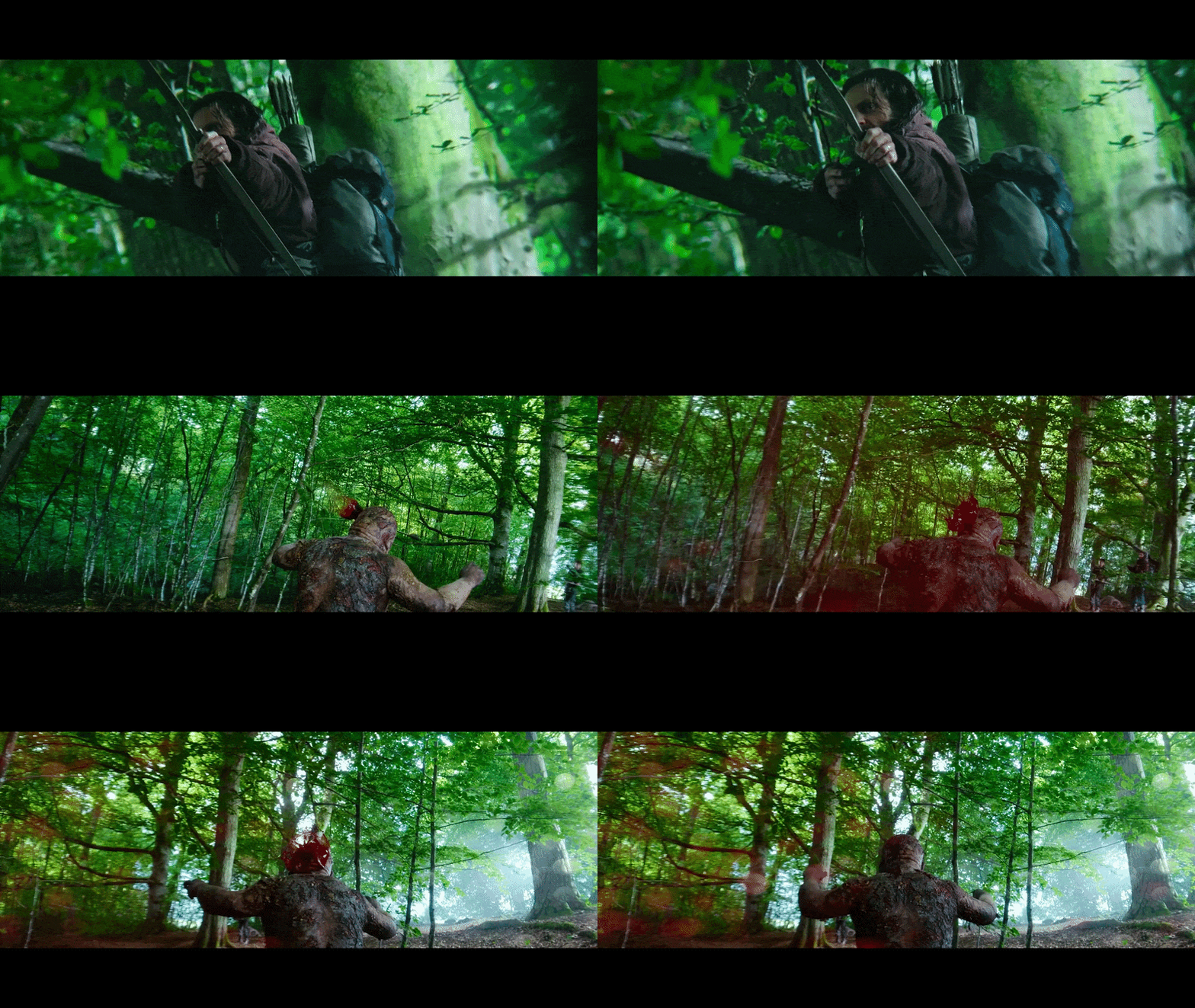
28 Years Later’s 20-iPhone bullet time rig in action. Not The Matrix, but nothing else looks like it
In the end all discussions of film tech come back to “It’s a tool”. We’ve all said it so many times with AI that it's lost all meaning.
But if you’re choosing to film on a phone, that’s your tool. It has advantages over cinema cameras and of course it has disadvantages. You just pick what’s right for the job - which will depend on budget, location, familiarity, etc etc.
With all that in mind, here’s some things to be aware of when shooting on a phone or tablet -
First up, If you use your default recording software, your device is going to be doing a lot of crap to that image that you might not be aware of, and you will want to switch to an app that doesn’t do any post-processing to your image. What that app is depends on your phone/tablet, and your budget. My go-to these days is the Black Magic App, which is free, but doesn’t work on all phones. Prior to that, I used MotionCam. There’s also Filmic Pro, which was the industry standard before Black Magic stepped in and changed the game.
Just so you’re aware, here’s what your phone's recording software is doing:
●
Compression. It’s assuming that you want the file sizes really small, so that you can send them to social media, and that means compressing them, which means stripping out a tonne of information. It’ll also affect visual quality, so then, the software applies…
●
Sharpening. Take a look at the edges of something you’ve shot on a phone, especially the contrasty ones. See those black lines that weren’t there in real life? Sharpening. I’ve had a bunch of submissions from artists tearing their hair out trying to pull a key (remove greenscreen) from a shot with sharpening, because those black lines just want to stick around
●
Stabilisation. I didn’t realize that this was happening for the longest time. I just thought “old steady hand Chris knows how to handle a phone”. Nope, it’s assuming you’ll be shaking all over the place, and it smooths out the motion. Stabilisation of shots is quite normal in film, but there are two side effects. Firstly, you have to crop into the shot to give you the necessary room to stabilise (imagine the camera rolls left and you need to counter-roll it right to keep it stable. That introduces new information that wasn’t filmed. So you crop in, so that you have the extra information at the edges for when you stabilise. The more wobble on the shot, the more you need to crop in). Secondly, a stabiliser is likely to actually warp the image itself. This can create visible artifacts, and/or make processes like camera tracking much more difficult, because you no longer know what the camera saw, you’re looking at a post-processed image.
●
Colour Management. This won’t matter to you when you’re starting out, but at some point it will (maybe once you’ve gotten through the
Intro to Resolve series…). But when you’re shooting, your colour is going to be stored in a way that works for the specific device filming it. When you come to edit it or grade it or do whatever, you might want to change the space that that colour is stored in. The final space will depend on where the film will be shown - cinema, TV, phone. When you’re filming on a phone or tablet, all these decisions are being made for you.
DON’T GO! THERE’S MORE.
That’s the stuff that your phone is doing for you, even though you didn’t ask. Here’s the stuff that your device ISN’T doing for you, even though you’d want it to
1.
Depending on your device, the range of value and colour that you can capture may be significantly less than a higher end camera will allow. This is defined by “bit depth”, so check what that is on your shooting device. On a budget, you’re generally locked in at 8-bit, which is still a LOT of colour, but you’ll be limited with how much you can change it in post production.
2.
The sensor size itself is going to be way smaller than a cinema camera. A smaller sensor catches less light, so phone footage gets noisy in dim scenes and loses detail in bright skies and dark shadows. It also means you have to have a tiny lens, which keeps almost everything in focus, so that blurry, cinematic background is much harder to get. To counter this, your phone will automatically denoise noisy footage, and might fake a blurry background. There's a quality hit, but if it works, it works
3.
The lens itself is going to be teeny tiny and therefore limited. All the feature films using phones or tablets for shooting are bolting on a much larger, much more expensive lens onto the device. I’ve seen some that are so big that I wondered why they’re still using a phone, since at that point it’s going to be really awkward to carry around.
Film on your phone. Don’t film on your phone. Whatever works for you, as long as you understand the tool, you’re good!
