By using HDRIs in your VFX!
Let’s start at the top: HDRI stands for High Dynamic Range Image.
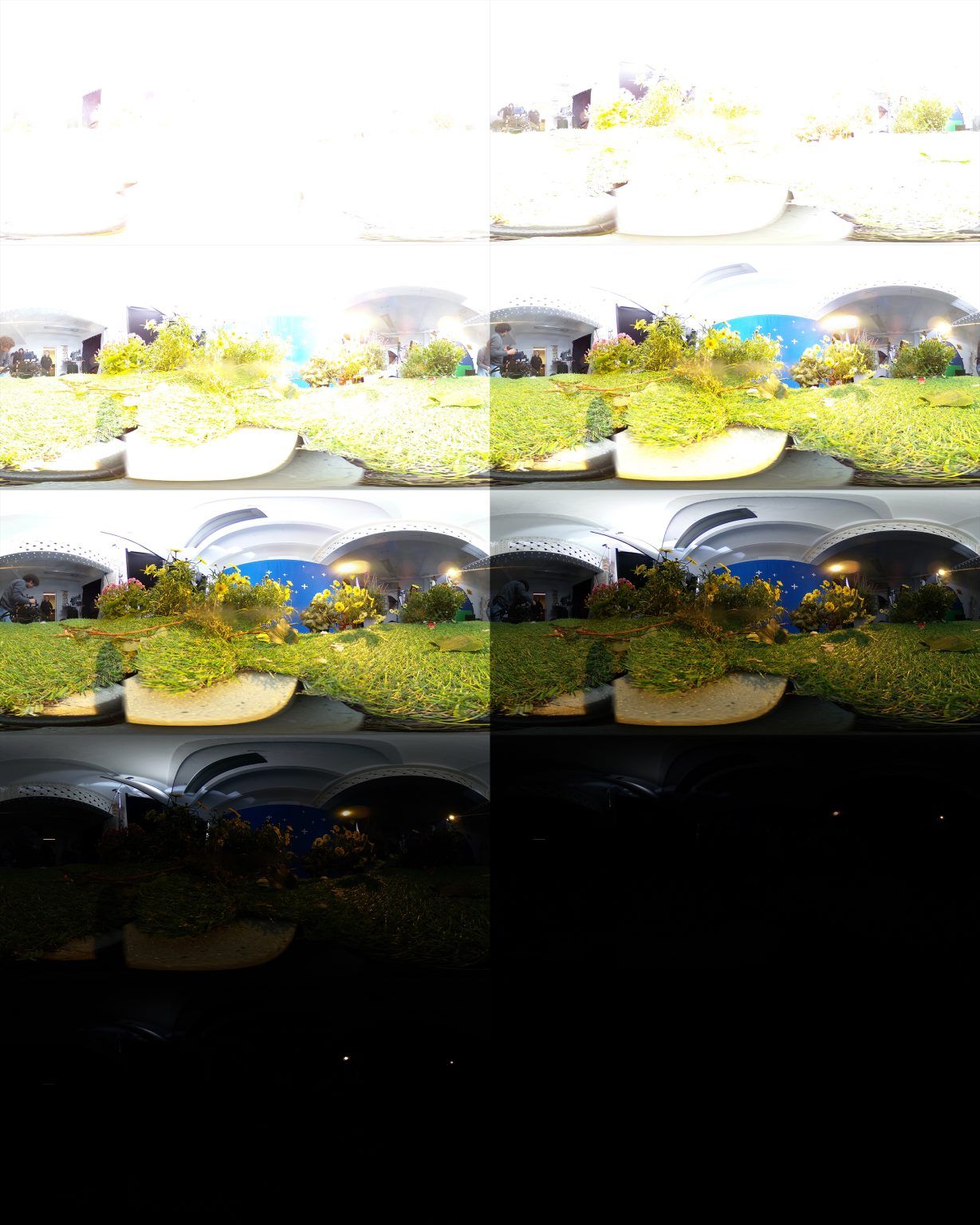
This means that it’s an image that can store a greater range of values than your monitor is capable of displaying.
They are used frequently in digital photography. Imagine you’re taking a photo of a bright sunny sky. You can’t allow for much exposure because that bright sky will get overexposed and white really quickly. But if you drop the exposure to make the sky look nice, the ground will get too dark.
Basically, you can expose for the lights (sky), or the darks (ground), but never both.
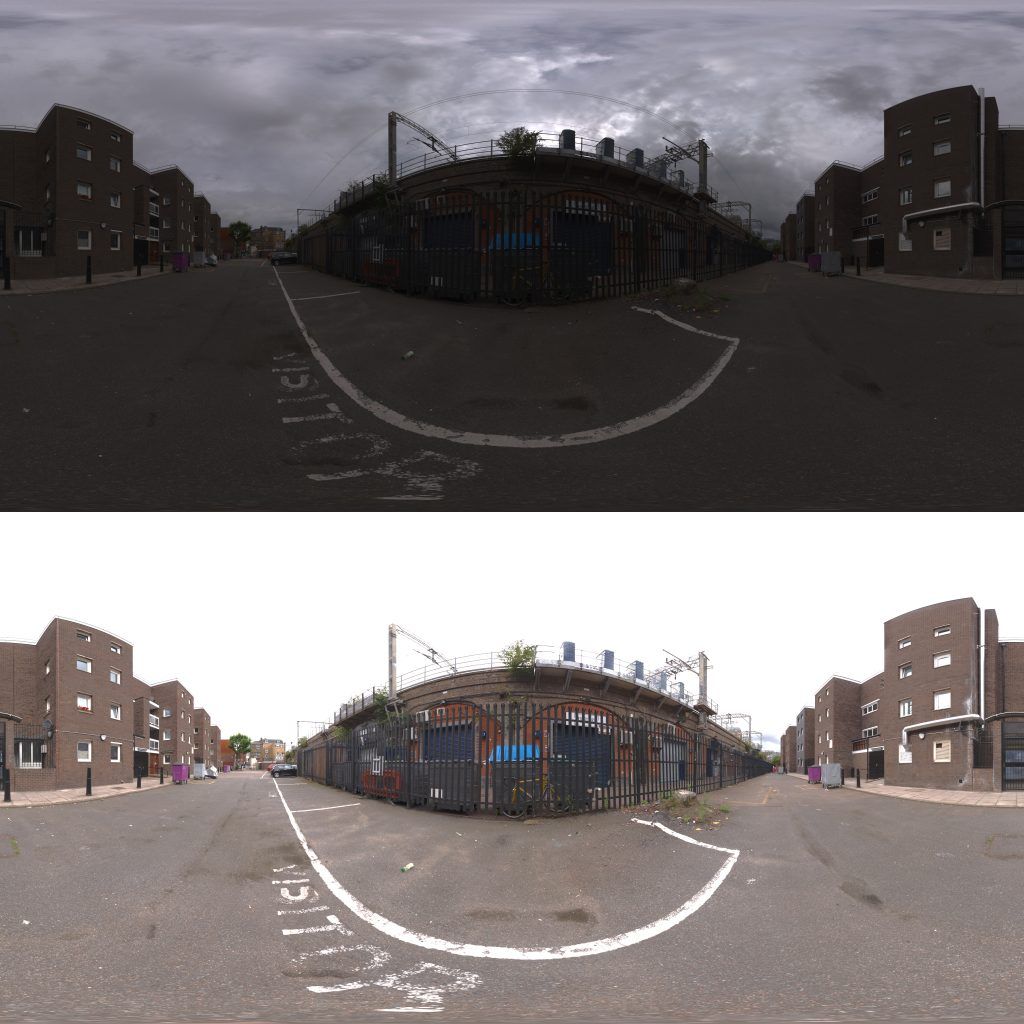
An HDRI allows you to work around this, being able to store more values than a monitor can show means that you can store whiter than white and blacker than black.
So a sky that’s overexposed might look completely white, but you can manipulate it in post to be a perfectly balanced mix of white clouds, blue sky, and bright sun. And of course, you can do the opposite, too - bring a black underexposed ground up to nice luscious green scenery.
It’s not surprising that filmmakers generally want to work with images that have the highest range possible, to give us freedom to adjust the colors in post-production. It’s one of the key advantages of shooting on professional cameras, which generally have a higher range than budget ones or smart phones.
Anyway, that’s what an HDRI is, and that’s what HDRI means to anyone who doesn’t work in visual effects.
However, in VFX, HDRI takes on an entirely different meaning!
To a VFX artist, HDRI is a way of capturing the lighting on a location on a set and porting it to a virtual world. There you can use that real-world lighting to light your digital creations.
An HDRI for visual effects has two primary qualities.
- A high dynamic range. Obviously! This is essential for it to store all the different colors and intensities of light that there were on set. For example, on a monitor, the white of a studio light and the white of the sun will both appear to be the same value, but one is massively hotter than the other. An HDRI can keep track of this. An HDRI knows.
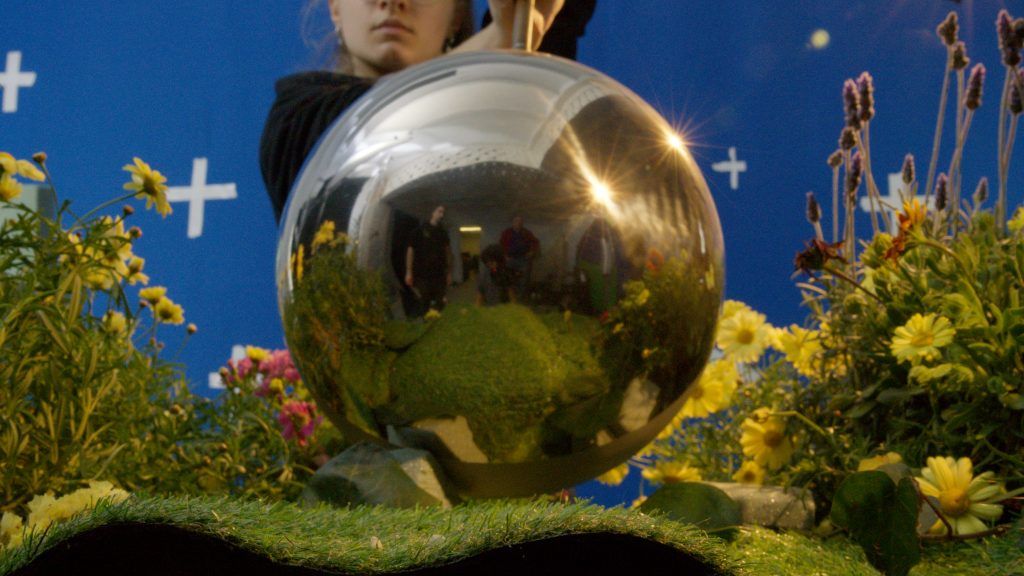
- A 360° view from a single viewpoint, (think Google street view). This means that you’ll either need a camera with two 180 degree lenses (VFX artists use the Ricoh Theta), or you can photograph two sides of a chrome ball which also gives you a 180° view.
Failing that, just get the widest lens that you can and take enough photos that can be stitched together to finally create a 360° view, same as you would if you were making a panorama.