
Jul 10
/
Christian Bull
HOW TO STUDY FILM
FIRST WATCH, SECOND STUDY
A key part of creating film is studying film. That’s very different from watching film; first time, you watch. Second time, you study.
I remember the first cinematography lecture I ever had as a student, the lecturer said “What we’re going to learn will ruin films for you, and then make them all a lot better”. That stuck with me, and it’s true. When I have my “film study” hat on, I can’t appreciate the film as it is. It’s like going on a first date and trying to psychoanalyse the other person rather than just see what it’s like to spend time with them.
But when you’re studying, you’re pulling it apart, trying to figure out what the patterns are, what makes it work, where it doesn’t work. If you get your hands on the footage itself, you can re-edit it, literally take it apart and put it back together, and learn that way. A really great film needs that, because part of the skill of great filmmaking is hiding the storytelling. It seems effortless.
Dissecting films you think are bad is useful too - what made them bad, and what would you change to improve them?
So this week, we’re releasing 4 videos, specifically studying montages from 4 different films - Team America, Rocky, Scarface, and Up. Here’s a bit of what I learned from dissecting each one:
Empty space, drag to resize
THE RULEBOOK, SET TO MUSIC
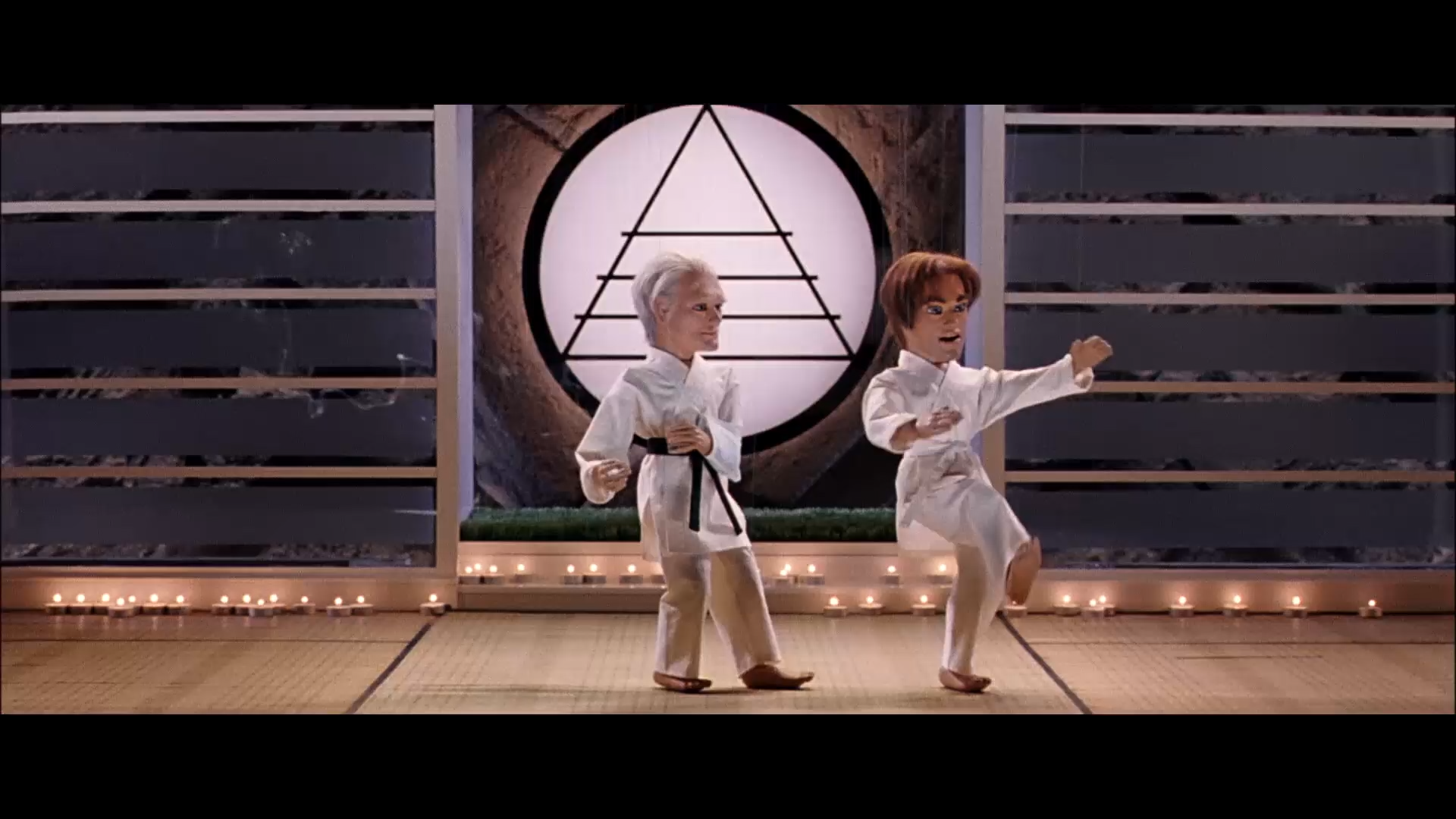
I included this one because if you’re a South Park fan, you’ll know that Matt Stone and Trey Parker are clearly massive film fans, and Team America’s montage is basically a song telling you exactly how to cut a montage.
Empty space, drag to resize
THE FOUNDATION DOES THE WORK
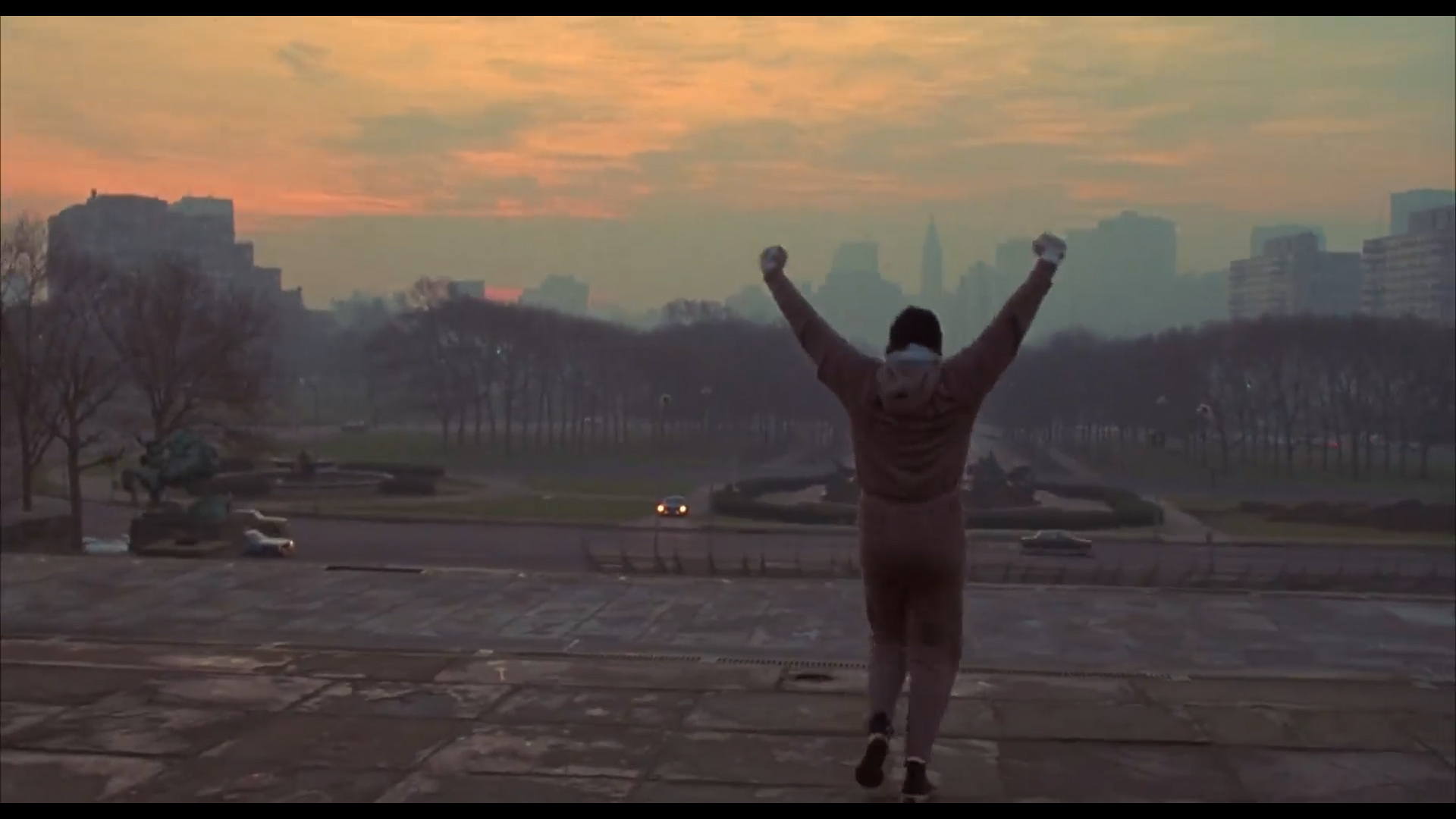
Ridiculously simple, and follows about 0% of Team America’s montage rules. It’s just Rocky running about, and doing a few push ups, really. The key lesson here is that it works really well because of the foundation laid in place by the rest of the film. This is something that I think modern filmmaking might be weaker at - having the patience to build a solid structure for your film that not only supports the pivotal moments, it gives them a high point to jump off and fly.
The low budget and simple approach is also pretty evident in dissecting this, which is a great inspiration for when you’re creating your own work without much or any money.
Empty space, drag to resize
POINT THE CAMERA AT THE THING
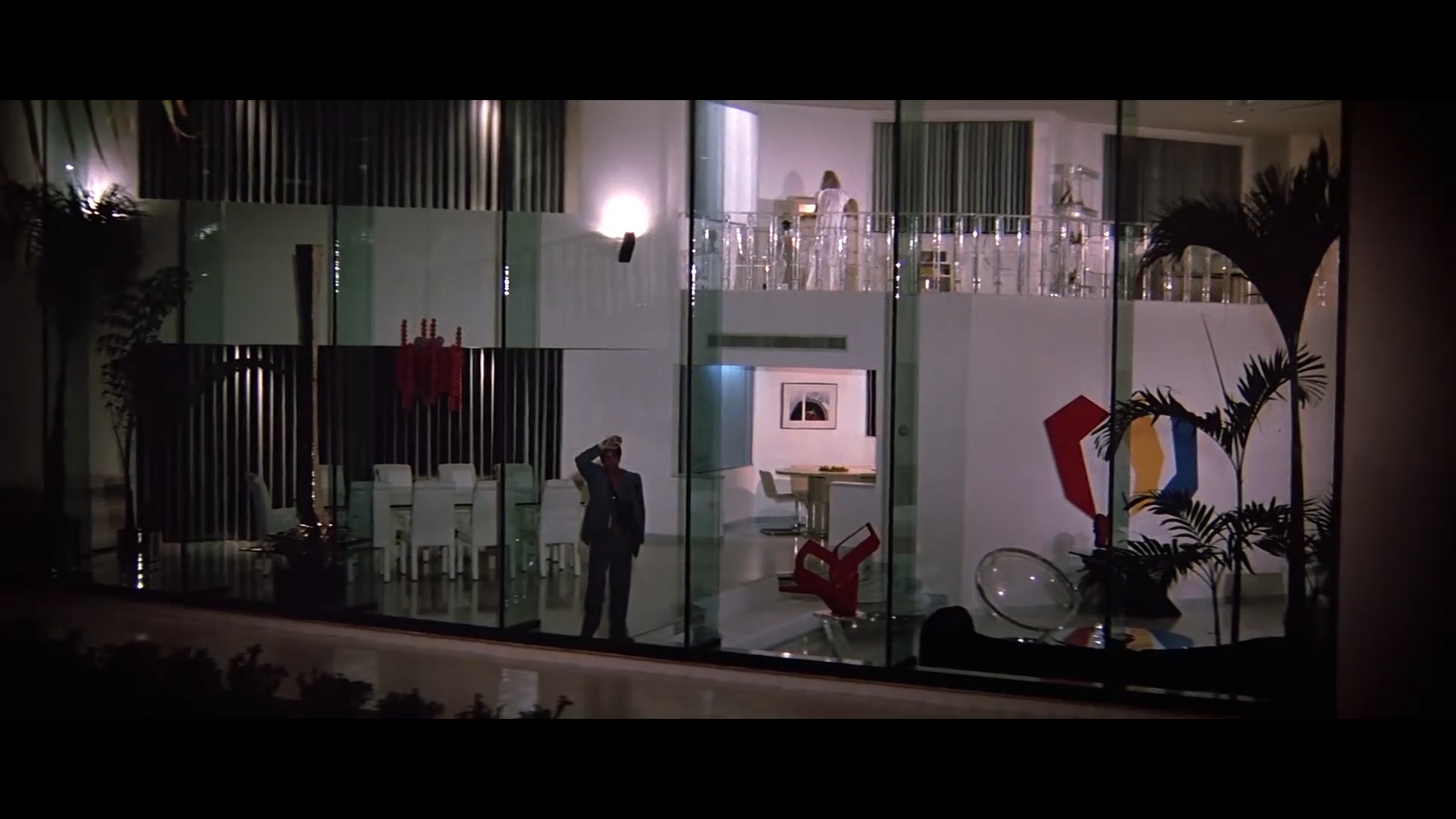
A montage that I’m familiar with, since we went all-in on an homage in our AI short “The Greatest Generation”. Even though I’d already dissected it when we made that short, when I revisited it, I realised that I missed one of the biggest lessons from it, which I’m calling “Brian De Palmer’s Rule of Camera Work - Point the Camera at the Thing”. What do you want the audience to look at? Point the camera at that. Want them to look at the next thing? Move it to point at that.
Sounds like the most obvious thing in the world, but there’s a lot to learn when you see how far De Palmer goes with it.
Empty space, drag to resize
EVERY PIXEL EARNS ITS PLACE
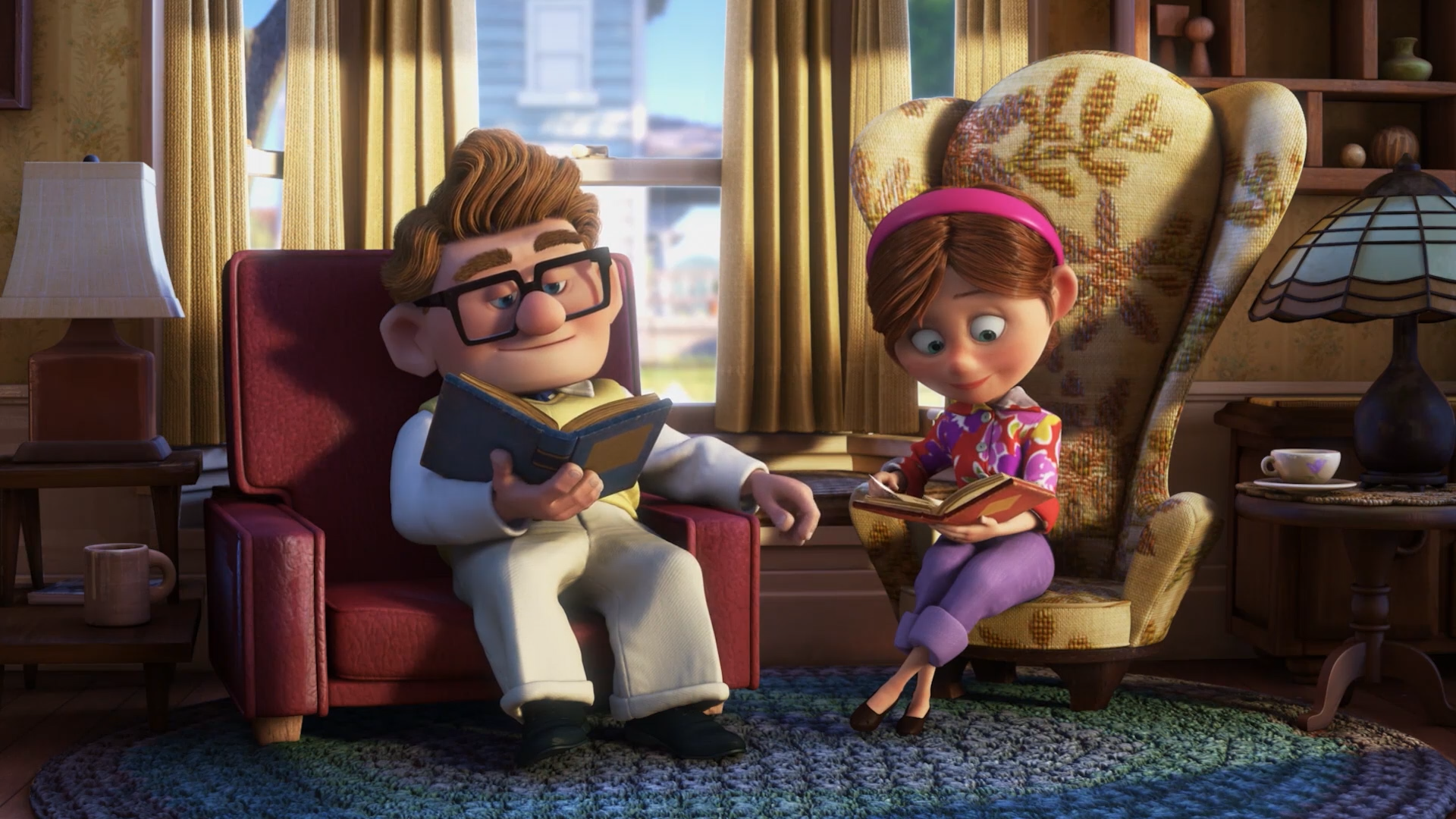
This ended up being smarter, more detailed, and more devastating than I had thought. From the tiniest touches (if you look at the image above, you’ll notice that the design of the characters are mirrored in the chairs in their living room - square on the left, rounded on the right. EVEN THE LAMPS MIRROR THEIR CHARACTERS), and the cleverest camera work (the camera moves faster or slower depending on the seriousness of the change in their lives), the Pixar golden age has so much to teach us about filmmaking.
One of the advantages of being fully CG is that you can have control of every pixel in the frame, and boy can you tell. It’s like that chocolate in Charlie and the Chocolate Factory, where a single bite is a whole meal.
I’d be really interested in your takes on these montages, and if you spotted anything that I missed.
Available exclusively to subscribers
Empty space, drag to resize
Empty space, drag to resize
Empty space, drag to resize
Not currently a Shoot First student and want access to these breakdowns along with all our other filmmaking and vfx tutorials, AI templates and resources? Click the button below to choose the plan that suits you best.
Empty space, drag to resize
Empty space, drag to resize
Write your awesome label here.
Write your awesome label here.
Write your awesome label here.
Write your awesome label here.
Success! You're all signed up to the follow along!
Keep an eye on your email for updates and reminders
Write your awesome label here.
Write your awesome label here.
Write your awesome label here.
How do you want to make your film?
Close
Claim your 20% off
Thank you!