
Picasso learned to draw before he broke the rules.
Two years on the most expensive film ever made taught me why.
The $250M lesson.
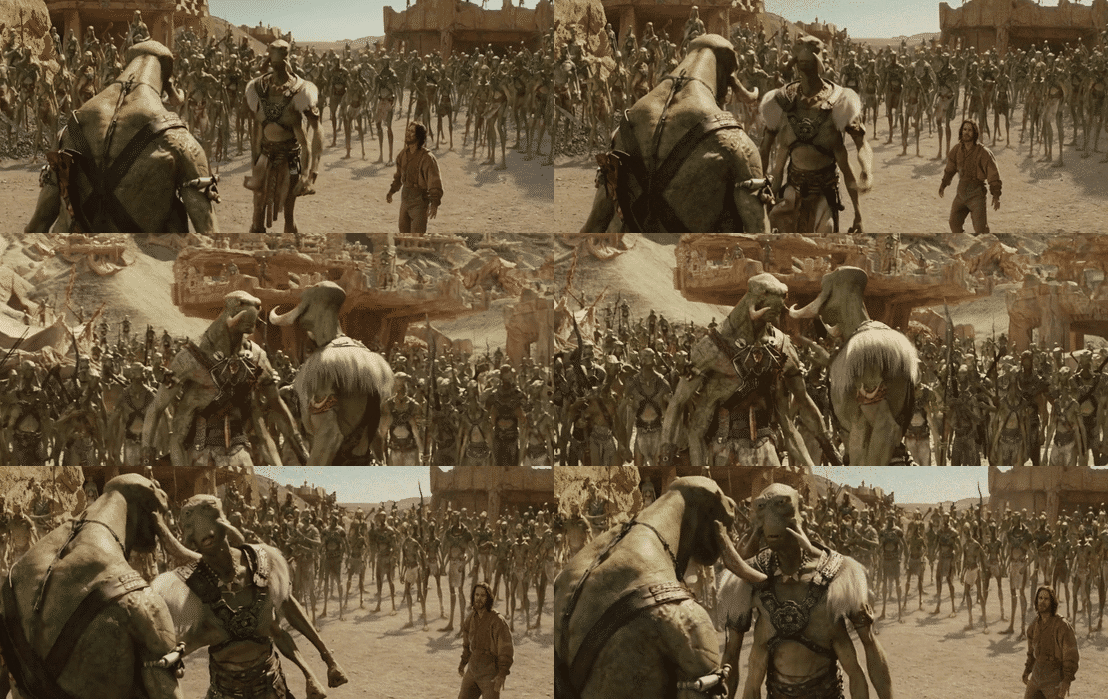
John Carter (2012) — at the time the most expensive film ever made
The real cost of not knowing your tools
Tools and craft: not separate conversations
God knows I talk a lot about how it's the fundamentals that matter and not the tools, but the truth is they're mutually dependent. The best tools in the world will count for nothing if you don't have any skill using them (AI slop proves that point perfectly). But mastering tools gives you significantly better control and depth of your creative output, and in film allows you to manage your cost much better.
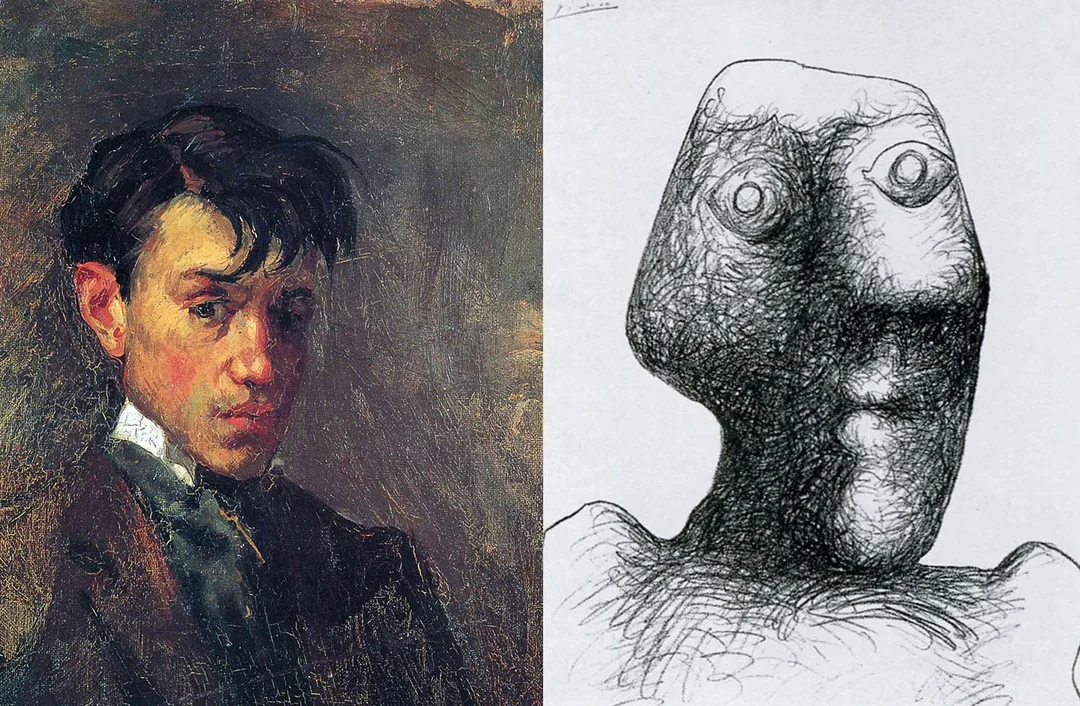
Throughout the history of art, this has been well understood. Renaissance artists would hone their skill in workshops as apprentices, spending years learning the tools. Picasso was a master figurative painter before he moved into abstraction.
It is true that raw artistic expression will find a form regardless of tools. Rothko couldn't draw a tenth as well as Picasso, but his work still changed the art landscape - although I'd argue he did it in a screaming, primal way. Incredibly powerful, but difficult to direct.
Which brings us to this week’s 7 NEW VIDEOS!
This week's new content looks at bit depth, colour space, and scopes in Resolve. I completely understand how daunting that can be for those of you not used to technical tools, but I'm going to ask you to take a deep breath and try it. You can always reach out here or on Discord if you’ve got more questions
Filmmaking is to a large extent a technical craft, and honestly the technical parts don't excite me. I don't geek out over lenses, camera sensors, software updates. I know many people who do, but it gives me a headache. Figuring out how to teach it in a way that’s accessible to everyone keeps me up at night. And yet I spend a huge chunk of my time working on it.
Because as a filmmaker, I don't have any excuse to not understand the tools, and the time and effort it takes to overcome the technical hurdles pays off tenfold in the freedom that it gives me to create.
As the Editing in Resolve for Absolute Beginners series continues, we'll be able to unlock some breath taking creative power in the colour page - but only if you take the plunge and learn the tools!
Not currently a Shoot First student and want access to these videos along with all other filmmaking and vfx tutorials?
Success! You're all signed up to the follow along!
How do you want to make your film?
Close
Claim your 20% off