
Learn the key steps to quickly turn anyone into a charred apparition…
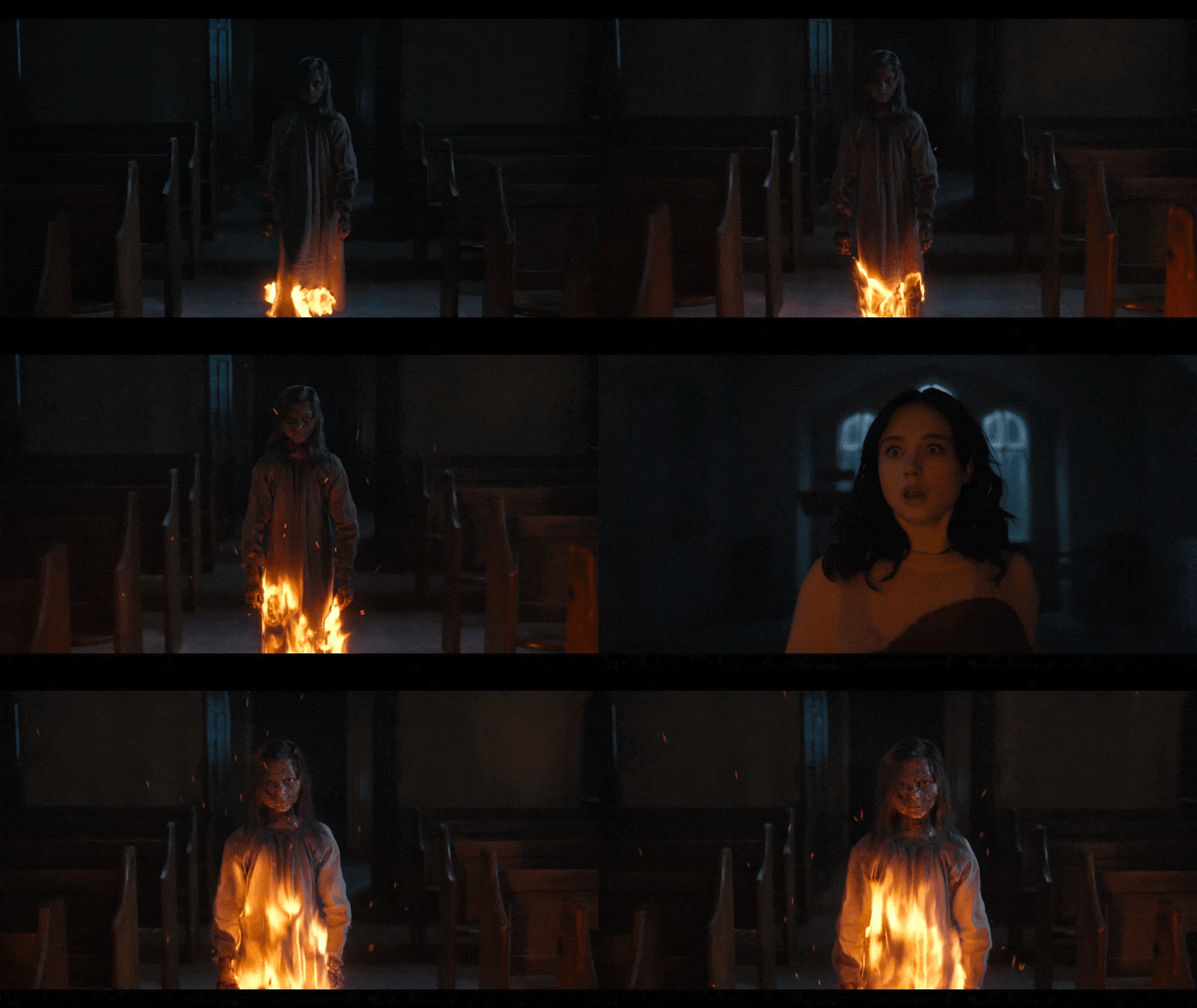
The Burning Girls, the highly anticipated adaptation of C.J. Tudor’s novel, is now available to stream on Netflix! This dark supernatural thriller invites viewers into the mysterious world of Chapel Croft, where Reverend Jack Brooks and her daughter Flo confront eerie village secrets and terrifying apparitions. The show is packed with intense visuals, and we’re thrilled to announce that our team worked on the VFX for one of its most haunting features: the burning girl apparitions.
If you’re a Shoot First subscriber and you haven’t yet watched the demonstration of creating “The Bagman” concept in Blender and Photoshop, head here to give it a watch.
I used a very similar process to create both the concept and the final asset for the burning sisters in “The Burning Girls”.
Using Tiling Textures for Realism
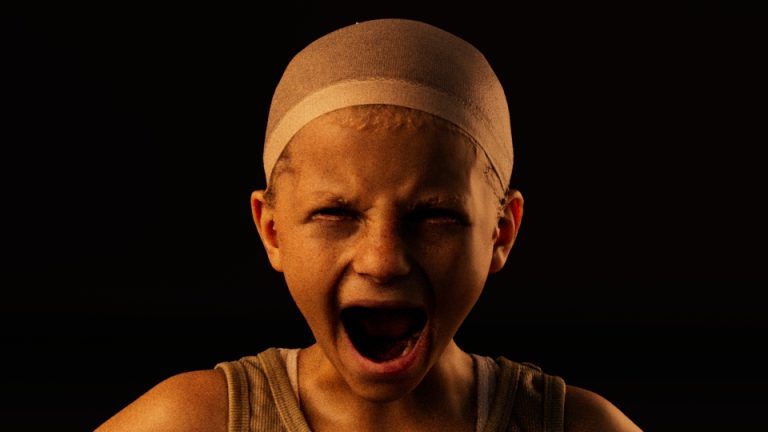
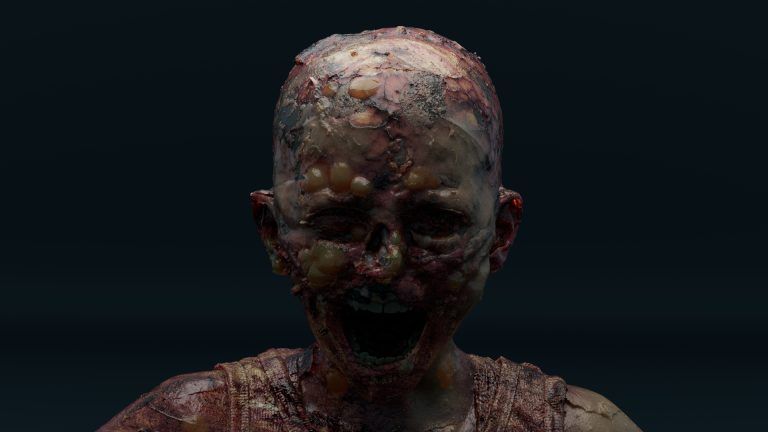
In this case, I had a scan of the actresses, and just smushed in the eyes and nose and sculpted some blisters. That’s it for the model changes.
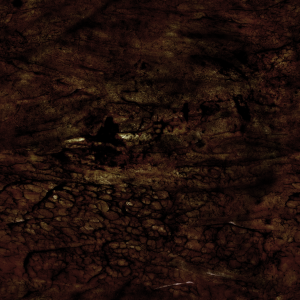
All of the gross surface details of the burned bits are just tiling textures from Quixel Megascans (recently rebranded to “Fab.com”).
I do this a LOT - using tiling textures instead of hand painting them, or generating them in an app like Substance. Tiling textures are textures that you can repeat without seams. They’re used a lot in games because it allows you to use a single small texture to cover a large area, rather than using large (and therefore memory hungry) textures. A brick wall would be a classic example - instead of having a huge texture with thousands of bricks, you use a tiling texture of just a few bricks, and repeat it over all the walls.
The problem can be that the tiling becomes very obvious, creating repeating patterns that have a very “video game” feel to them. The trick is to mix them with other textures (which could also be tiling). In this case, I mixed burnt skin and bone. I kept areas of clean skin (which came from the original scan), and added blisters (hand sculpted/painted).
Since the Quixel textures are based on photos, and come with colour texture and displacement, they’re ideal for photoreal work (they come with many more texture maps too, which I almost always ignore), so this is a regular part of my 3D workflow, both for characters and environments.
As with last week’s Bagman demonstration, because the concept is done on a 3D asset (and in this case a scan of one of the actual actresses), once it’s client approved, you don’t need to then recreate the concept in 3D, which is necessary for painted concepts.
Thanks for reading, I hope you’re as excited as we are to see our hard work come to life in The Burning Girls. If you’d like a video lesson going through the process in Blender, drop me a line, and if you haven’t checked out our recent “Bagman” demonstration, it’s a great companion to the techniques discussed here and can give you even more insight into our process.
Stay tuned for upcoming demos, tips, and behind-the-scenes looks at our work. Until then, happy streaming and creating!