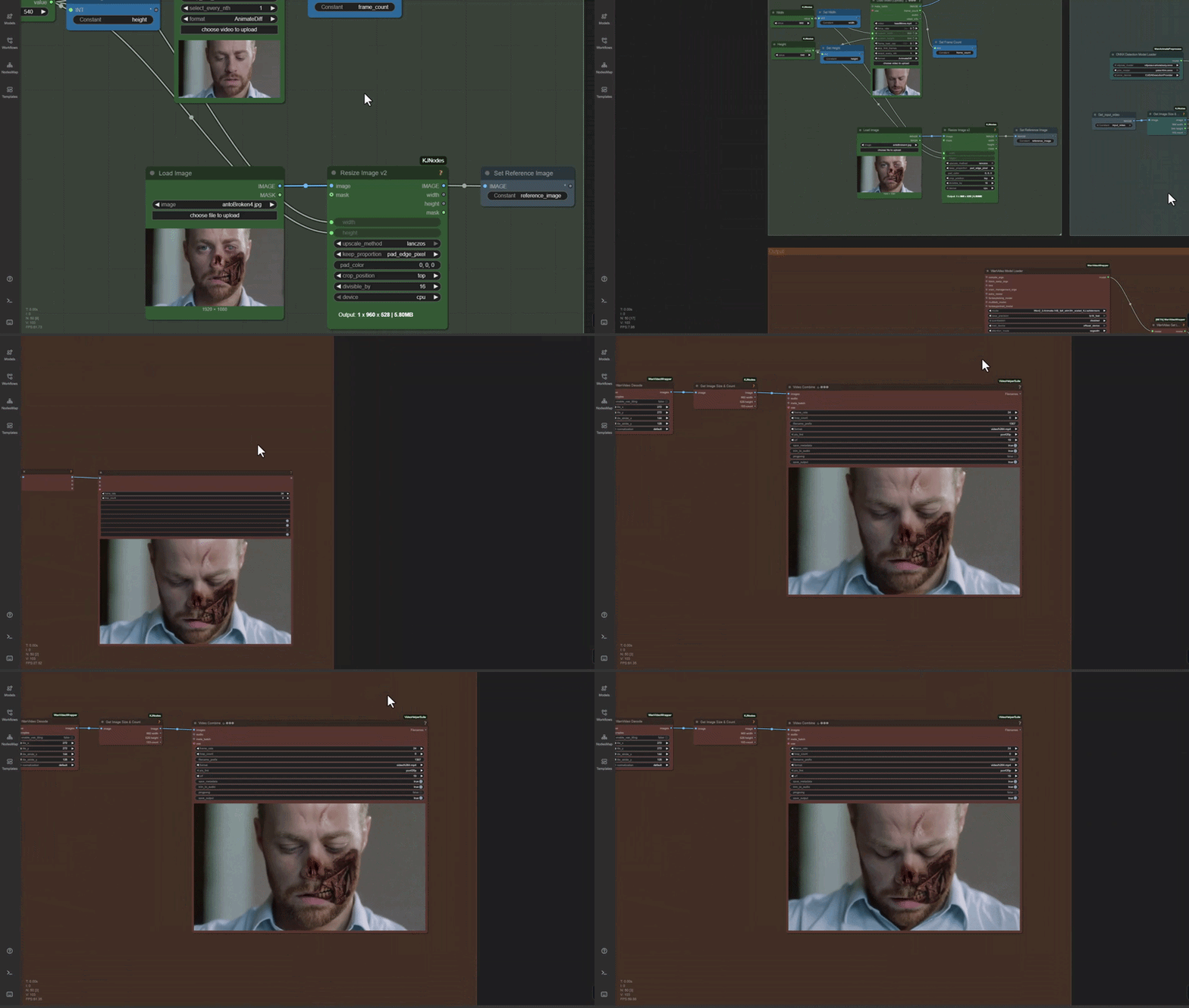
Our Runcomfy template - used here for a horror concept, but you could switch it out for a shot of yourself with ice cream on your nose, if you want
Empty space, drag to resize
Introducing: Video Editing with AI
We’re releasing 4 videos in a new series called “Video Editing with AI”, where the focus is cracking through the shell that is the front end of AI models (i.e you put in your prompt, and hope for the best), and scooping out the insides (getting precise control over the output).
If you haven’t seen it already, our 2-minute explainer video covers everything you need to know when generating videos - that’s simple enough. Those videos can then be edited with traditional VFX and grading skills (we have some Follow Along tutorials that cover that here).
But now we’re going through the looking glass - using AI to create VFX style edits that we have total control over. This is still a wild west, without any clear systems or pipelines out there to follow, but we’ve sunk a lot of time into developing some of our own!
As always, our approach is breaking the problem down to first principles. This new series will cover how AI video generation actually works, and strip back the superstition and voodoo that surrounds it, and show how you can use that understanding to get practical, reliable results.
Empty space, drag to resize
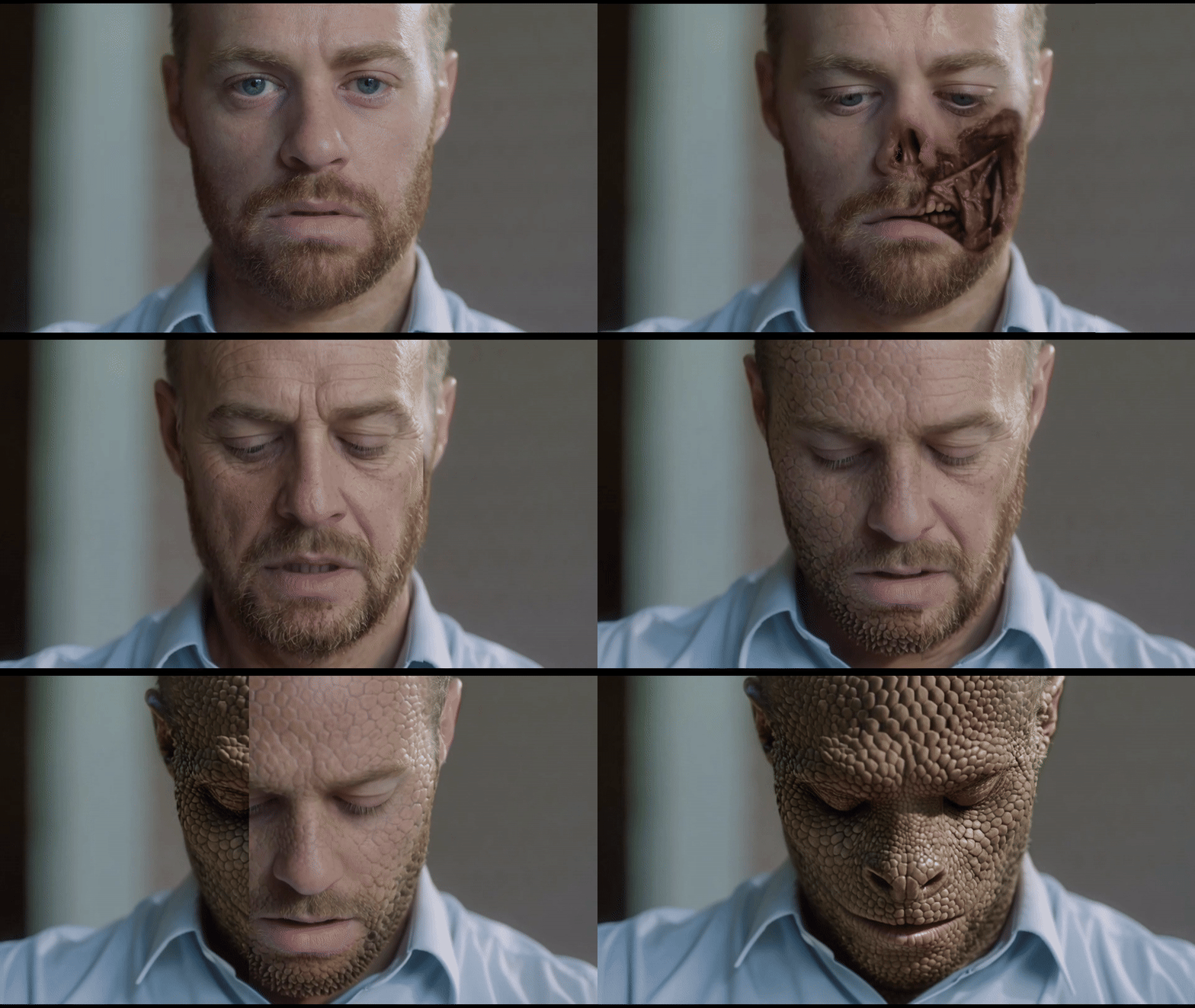
We’ve provided the concepts and footage for these examples. The digital aging and lizard faces are AI generations, whereas the damaged face is “photobashed” (a photoshop composite)
Tutorials, Template, and Follow Along
The processes and templates that we develop are pushed to a standard that we can use them in-house, for our professional work, and of course we’ll be sharing everything so that you guys can pick up and use them in your own shots.
As far as AI at Shoot First goes, the next year will play out like this - as soon as we’ve developed the tech to the point where we think it’s reliable, and simple enough to teach or make a tool out of, we’ll share the template or tool with you guys, along with tutorials on how to use it.
For now, we’re investigating the fundamental concepts through digital makeup - to demonstrate how you can change an actor with AI, but keep their likeness and performance 100% intact. Using this week’s videos, you’ll be able to pick up the template, and run it on your own shots.
Our examples have been a lizard face, a Batman style Two-Face concept, and digital ageing, but the sky is the limit - the template takes a video input (your shot), and a concept of the first frame (that could be made by you, or AI - but if it’s AI, make sure that the proportions don’t change, you may need to paint back the original image in areas that get changed too much)
We’ve also tested worst-case scenarios, where people are turning and twisting their heads, and it’s held up really well. Sometimes the AI can change things in unwanted areas, and we’ll cover that moving forwards - everything is solvable!
Empty space, drag to resize