
A guided journey, filmmaking fundamentals, and advanced AI!
At Shoot First, we’ve spent a lot of time discussing which changes we can make in order to help get you guys (and our team) to the next level this year. Thank you everyone who’s filled in a questionnaire/chatted to us on Discord, since this really helps us understand what we need to change to improve the experience for all of us!
As always, feel free to get in touch with requests for content, or suggestions for improvements - all the changes we're making are based off your feedback.
So here’s a rough plan of what to expect from Shoot First in 2026!
The Platform
Even though we’re committed to creating new content every week, I don’t think a Netflix style approach is the best for learning filmmaking. Tutorial exhaustion is real, and I hear that from a lot of you who’ve cooked yourself jumping from tutorial to tutorial on YouTube!
I want Shoot First to be a journey that gets you to your specific filmmaking destination as quickly as possible. Feedback is one way to do that of course, and now that we have the questionnaire’s, I can know exactly what you’re trying to achieve when I record it.
But the content that you consume should also be tailored to your personal journey. The plan is to connect all content to a single path - so that the 4 Core Systems cover visual storytelling and VFX from A to Z, but side routes open up that you can take if it’s appropriate to your path (so everyone would touch on basic compositing, or lighting, or AI usage - but if you need to go deep into any of those areas, you’re presented with the right videos at the right time).
There’s an increasing amount of nudges from you guys about working collaboratively either with our team, or amongst yourselves. I’m thinking about how to play that - oftentimes these things start fun, and then fall apart as the initial excitement wears off. I think that the answer will be in designing the smallest task that we can think of, or something that can easily be followed with precise instructions. I’m all ears for suggestions!
New Content
We’ve had quite a few requests for more tutorials covering the live action preparation and shooting process. I think that’s a good direction - live action film, animation, VFX, and even AI are all different ways of getting to the same end result, which is telling stories through moving images. If you have a creative and a technical process to do that, then the rest is just learning different tools.
The “Introduction to Resolve Series” is providing natural openings for tutorials on storyboards, photography, and mise-en-scene, so I’m looking to create those as off-shoots from the main series, as it continues.These will be created both as content, but also for actual films that we’re making.
The goal is for each project to provide you with instructional videos, downloadable assets to follow along, and an end result so that you can see those techniques actually applied.We’re currently very light on Unreal content, so we’re creating an in-house project that’s 100% Unreal based, to rectify that.
In tandem with all that, we’re creating a range of comfyUI tutorials, which takes us to the next segment...
The “Introduction to Resolve Series” is providing natural openings for tutorials on storyboards, photography, and mise-en-scene, so I’m looking to create those as off-shoots from the main series, as it continues.These will be created both as content, but also for actual films that we’re making.
The goal is for each project to provide you with instructional videos, downloadable assets to follow along, and an end result so that you can see those techniques actually applied.We’re currently very light on Unreal content, so we’re creating an in-house project that’s 100% Unreal based, to rectify that.
In tandem with all that, we’re creating a range of comfyUI tutorials, which takes us to the next segment...
AI and the Future of Filmmaking
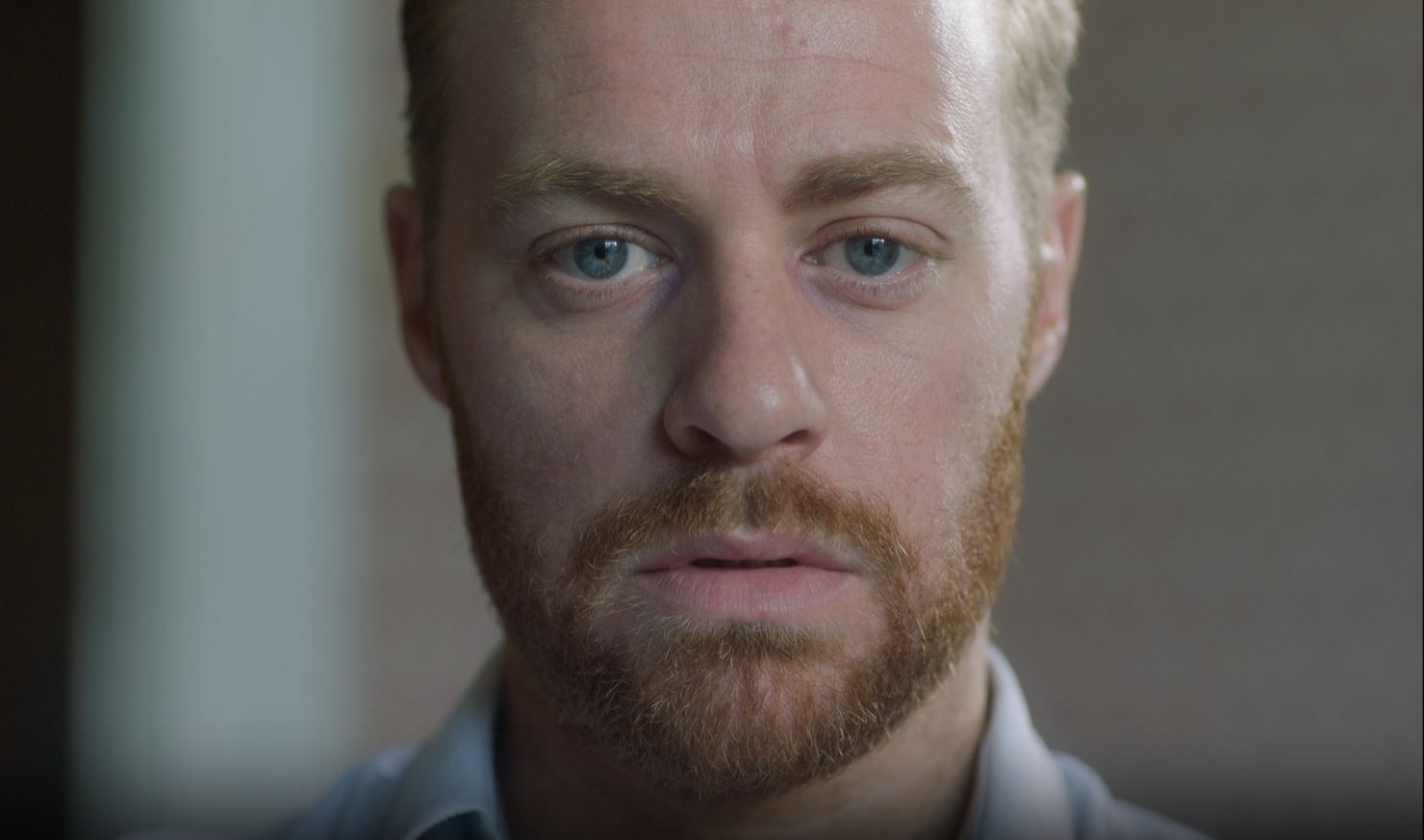
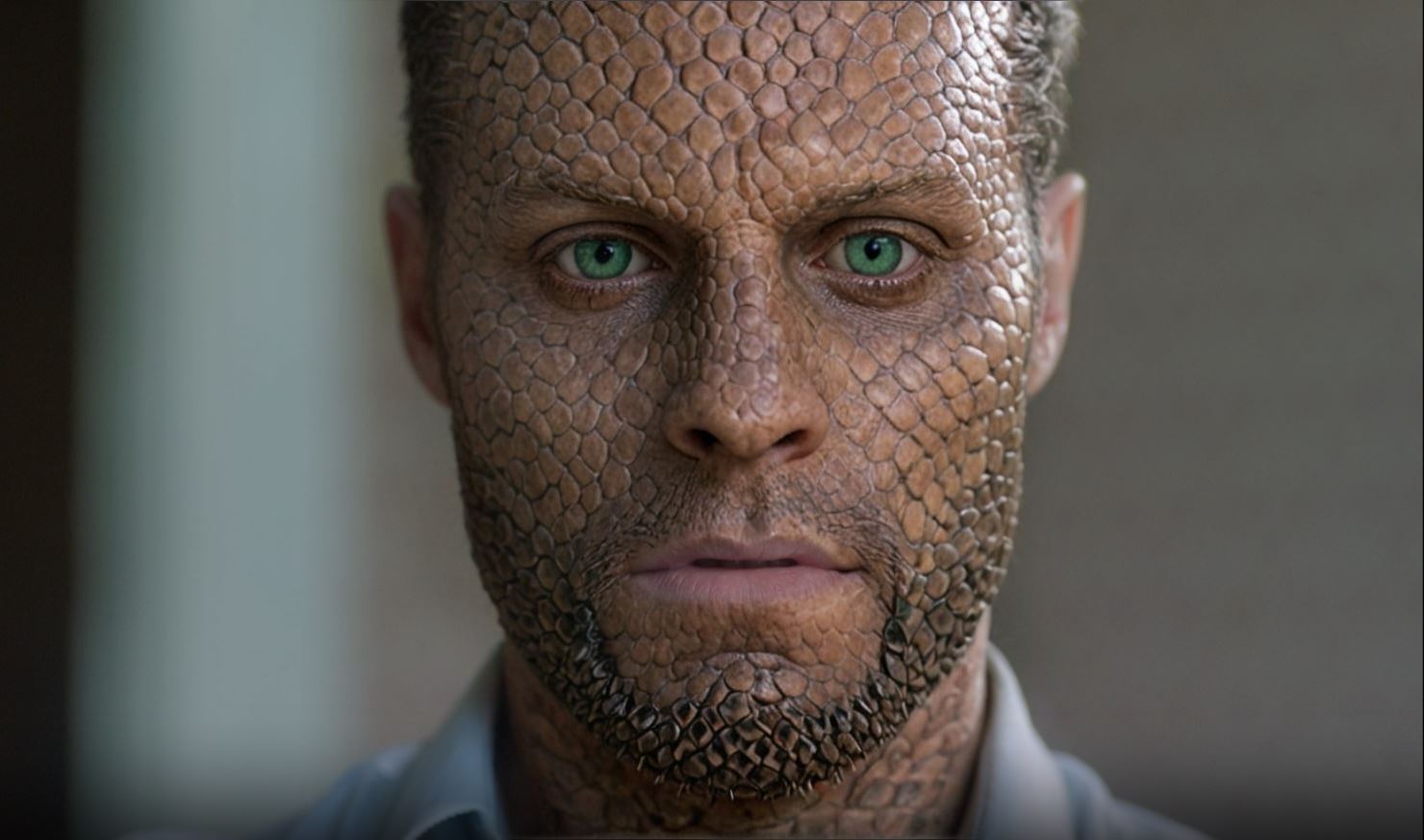
We’re spending a lot of time behind the scenes trying to work out the best way to help those of you who are interested in AI as a filmmaking tool.
At a basic level, generative AI is obviously ridiculously easy to use. That’s great, but if your interest goes beyond slop (if you’re reading this, it obviously does), then it’s a limited tool, unless you get comfortable tinkering under the hood - and doing that introduces two hurdles: cost and complexity. Let’s touch on those.
At a basic level, generative AI is obviously ridiculously easy to use. That’s great, but if your interest goes beyond slop (if you’re reading this, it obviously does), then it’s a limited tool, unless you get comfortable tinkering under the hood - and doing that introduces two hurdles: cost and complexity. Let’s touch on those.
Complexity
As with so much of film production, if you want more control, you have to embrace complexity, at least to a degree. When it comes to AI, you have two basic ways to really (i.e not just prompting-and-praying) control it.
1. Post-generation
The first is editing it post-generation. At that point it’s just footage, and can be edited with traditional VFX tools and skills.
2. Pre-generation
The second is pre-generation. This is where ComfyUI is leading the way. Instead of relying on a single AI model and a single prompt, ComfyUI gives you access to a huge library of models, and a node based interface, so you can combine different models for different tasks.
For example, you can use one model to roto a specific element of a shot, and another to take that element, and generate an explosion in that area, during the period of time that you specify.
The problem that we’re seeing with this approach is one of scope. Systems designed to allow you to do anything are amazing, but generally very unfriendly to beginners and non technical artists (The 3D software Houdini is a great example of this. The scope it has means it’s probably the most powerful software in the world. But in production its potential is often limited by the fact that the average creative person is overwhelmed by its complexity).
I think that you can 80/20 this. Figure out what the most common tasks you’ll want AI for (e.g roto, relighting, inpainting, and generic FX), and create templates that allow you to do this, so that even as a beginner, you can hit the ground running.
We released a relighting tool and ComfyUI template last year, and a bunch of you have had success with that, but a lot of you hit technical hurdles.
Some tasks are manageable on an average PC (roto, depth, and normal map generation), and we’re close to wrapping a tool that’ll allow you to do those locally (heads up - if you have the Studio version of Resolve, you already can). Beyond these features though, you’ll need more horsepower. That’s where we come to cost.
1. Post-generation
The first is editing it post-generation. At that point it’s just footage, and can be edited with traditional VFX tools and skills.
2. Pre-generation
The second is pre-generation. This is where ComfyUI is leading the way. Instead of relying on a single AI model and a single prompt, ComfyUI gives you access to a huge library of models, and a node based interface, so you can combine different models for different tasks.
For example, you can use one model to roto a specific element of a shot, and another to take that element, and generate an explosion in that area, during the period of time that you specify.
The problem that we’re seeing with this approach is one of scope. Systems designed to allow you to do anything are amazing, but generally very unfriendly to beginners and non technical artists (The 3D software Houdini is a great example of this. The scope it has means it’s probably the most powerful software in the world. But in production its potential is often limited by the fact that the average creative person is overwhelmed by its complexity).
I think that you can 80/20 this. Figure out what the most common tasks you’ll want AI for (e.g roto, relighting, inpainting, and generic FX), and create templates that allow you to do this, so that even as a beginner, you can hit the ground running.
We released a relighting tool and ComfyUI template last year, and a bunch of you have had success with that, but a lot of you hit technical hurdles.
Some tasks are manageable on an average PC (roto, depth, and normal map generation), and we’re close to wrapping a tool that’ll allow you to do those locally (heads up - if you have the Studio version of Resolve, you already can). Beyond these features though, you’ll need more horsepower. That’s where we come to cost.
Cost