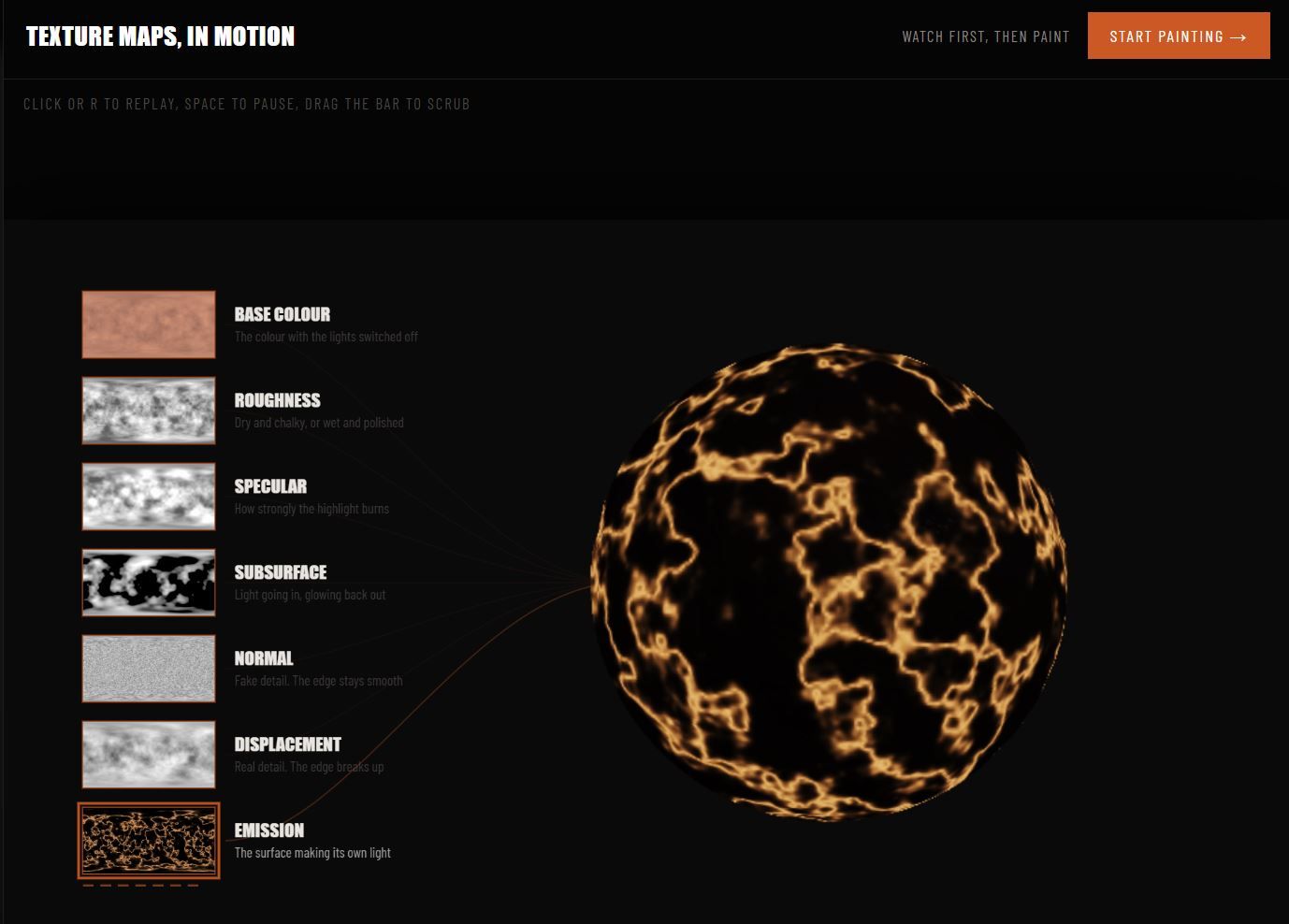
A CHEAT SHEET THAT LET'S YOU BUILD YOUR OWN MATERIALS, FAST
Same Skill, Different Space
In VFX, almost everything you do has a real world equivalent. You can model in 3D, or you can sculpt and glue stuff together in real life. Same thing, different space. Whether it is digital or real, it probably needs painting too.
Where It Gets Weird
Make something out of wood in real life and it feels like wood. In 3D, you have to tell the software how wood behaves. Shiny or rough? Transparent or opaque? Even in the real world you are faking materials too. Foam becomes stone. Silicone becomes flesh. The skill is the same either way: study the material you are faking, then recreate its properties in something else.
The Texture Connection
Each material has attributes that define how it reacts to light. You either paint a map for it or set a number. Painting colour feels natural. Painting transparency is stranger. Attribute maps are grey and colourless: white means totally this thing, black means not this thing at all. So a white transparency map is fully transparent, black is fully opaque.
Colours As Numbers
If you are moving a value instead of painting a map, black is 0 and white is 1. A roughness of 1 is the roughest thing you have ever seen. A roughness of 0 is smooth enough to slide on forever.
The Odd Ones Out: Displacement And Normals
Displacement paints an attribute that changes the object itself, not just how it looks. Normal maps do not change the structure of the object, but they attempt to fake it. So a normal map is like painting a six pack onto your stomach, and displacement is surgery to actually change the surface. Displacement is more painful and expensive, since it takes longer to render, but the results are more impactful.
Go Play With It
These ideas click faster when you get hands-on. This week's cheat sheet lets you do exactly that.